 Plain A11y
Accessibility problems, explained in plain language
Plain A11y checks the page you have open and tells you what is wrong, who it affects, how to fix it and whether the task is for design, content or code. No WCAG jargon, no selectors, and nothing leaves your browser.
- 94rules explained in plain language
- 3roles: Design, Content and Code
- 3permissions, no access to all sites
- 0servers, accounts or trackers
Made for the people who are not developers
Tools such as axe DevTools, WAVE and Lighthouse are excellent, but their reports speak to developers: rule numbers, selectors and technical names. A designer who sees “color-contrast” does not know what to do, or whose task it is. Plain A11y keeps the same trusted engine and changes what you read.
-
Designers
Contrast, size and focus
Which color or size to change, so that text is readable and targets are easy to hit.
-
Content editors
Alt text, headings and links
Which text to write: image descriptions, heading levels, link wording, captions.
-
PMs and QA
A list you can hand out
Problems by severity and by owner, as a checklist that goes straight into a ticket.
What you get
-
Plain language
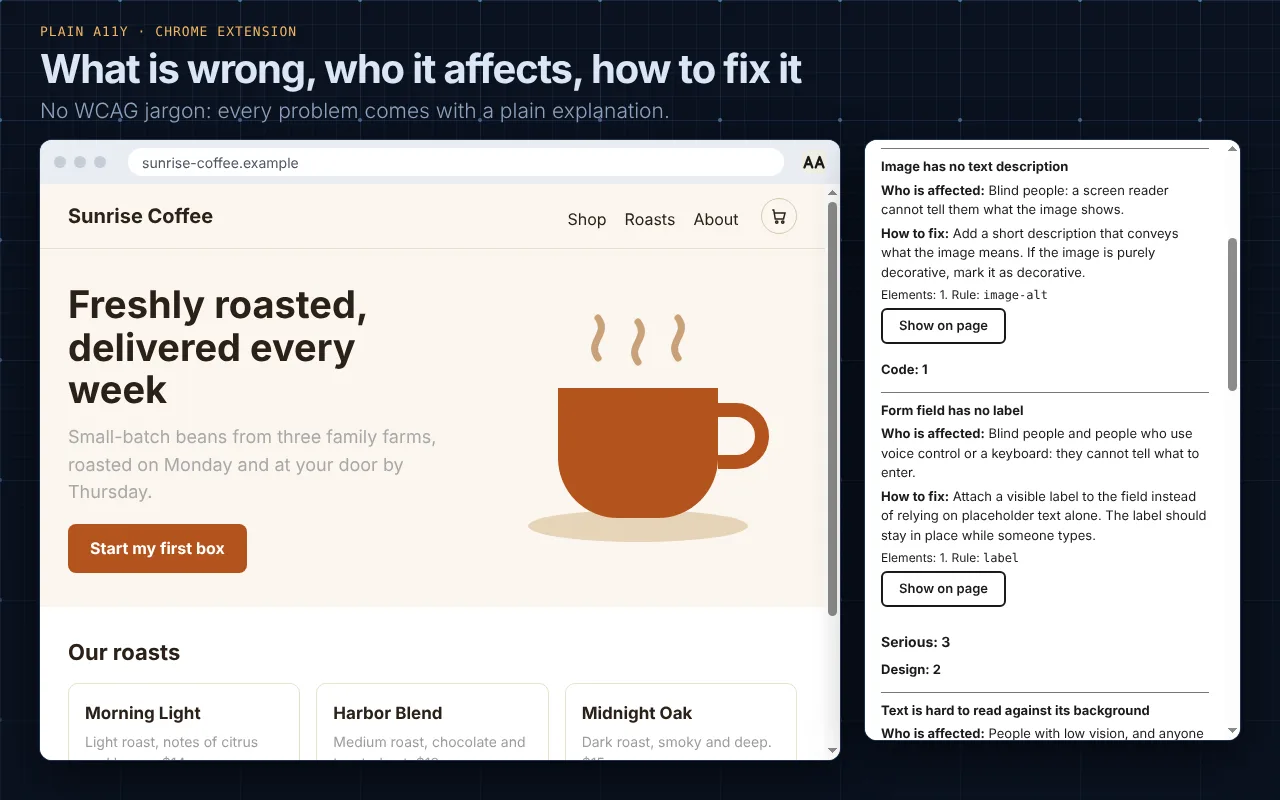
Every one of the 94 rules it checks has a short explanation: what is wrong, who is affected and how to fix it. No WCAG or ARIA terms.
-
Sorted by severity
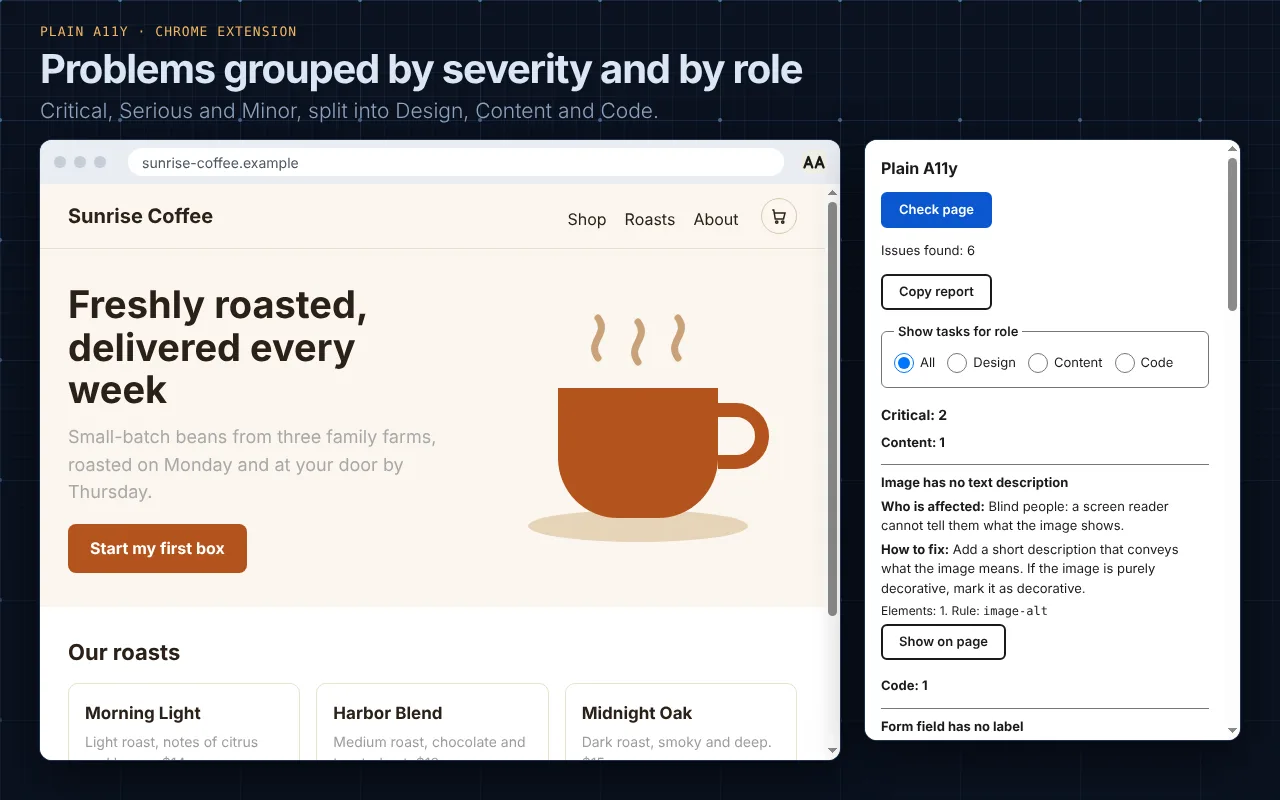
Critical, Serious and Minor, so the biggest problems come first.
-
Handed to the right role
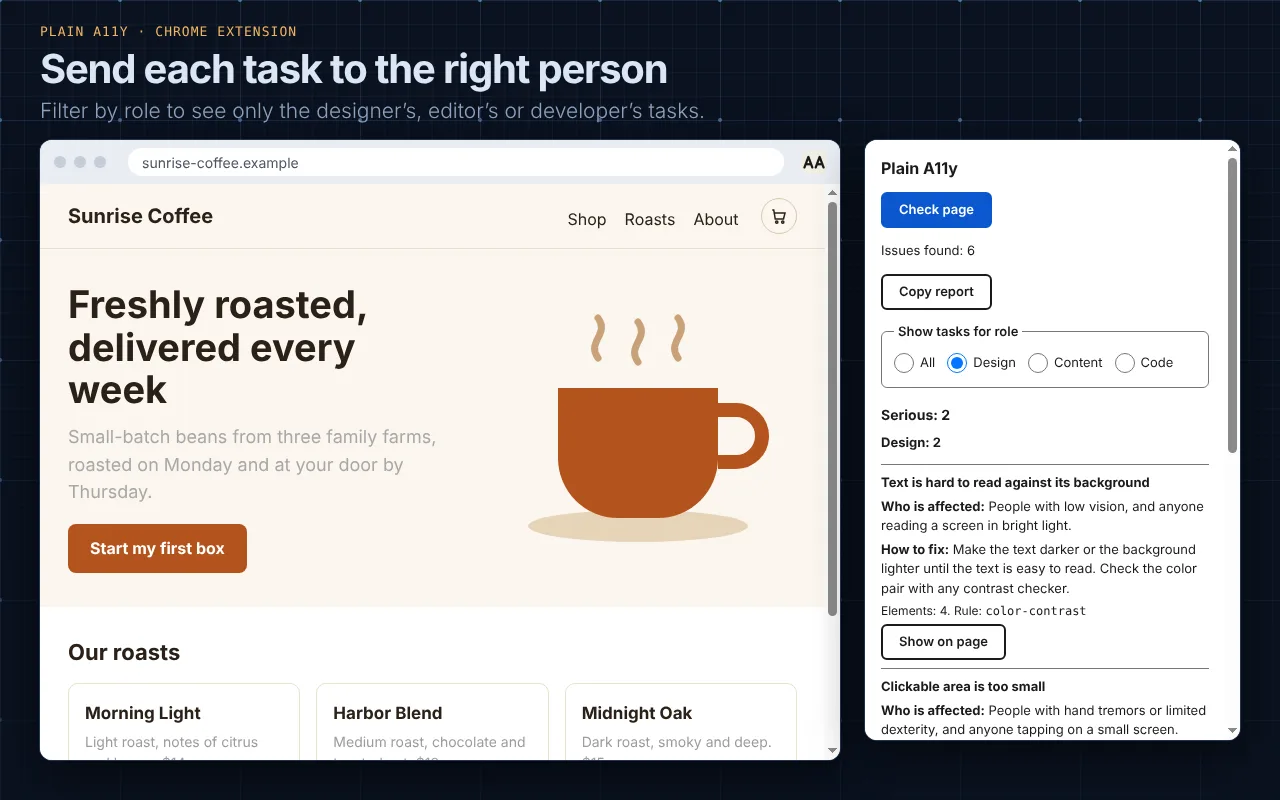
Each problem says whether it is a job for Design, Content or Code. Filter by role to see only your own tasks. The filter is remembered.
-
Show it on the page
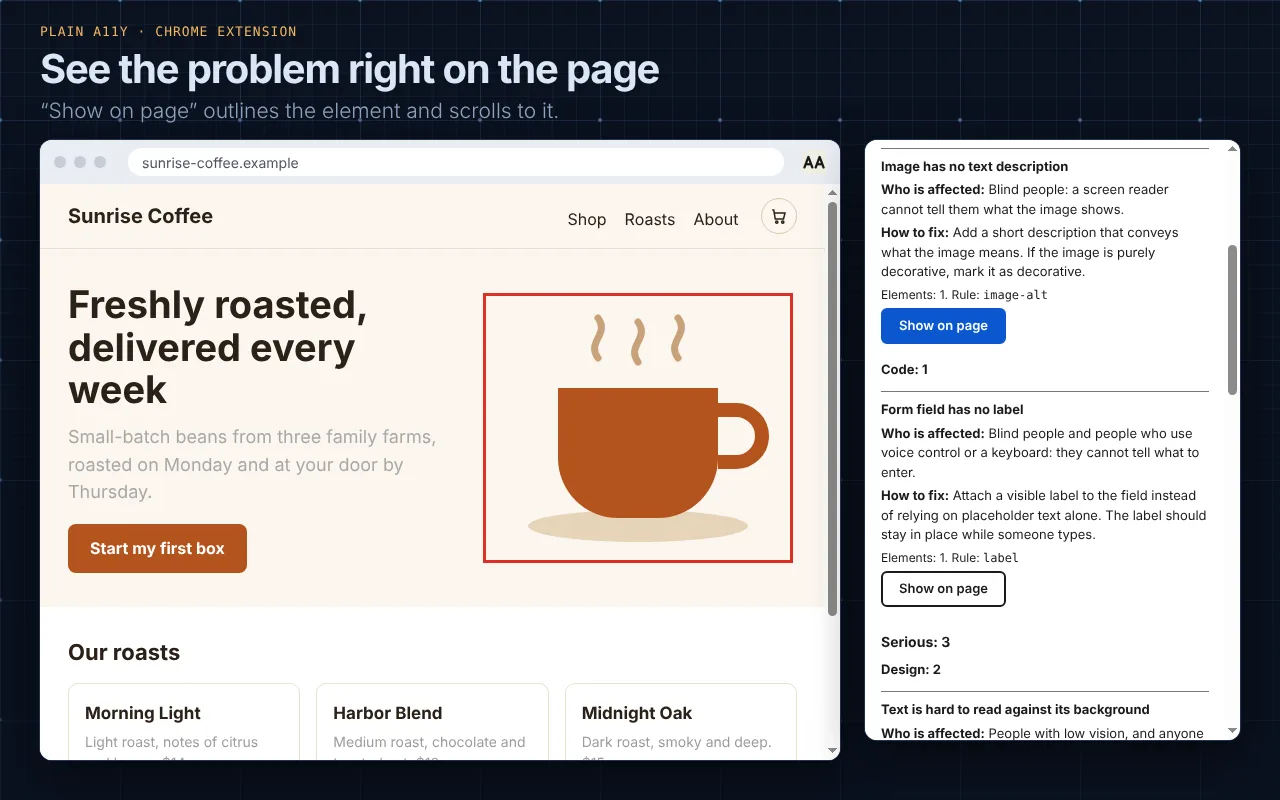
“Show on page” outlines the element and scrolls to it, also inside open shadow DOM. When you remove the highlight the page is exactly as it was.
-
A report for your ticket
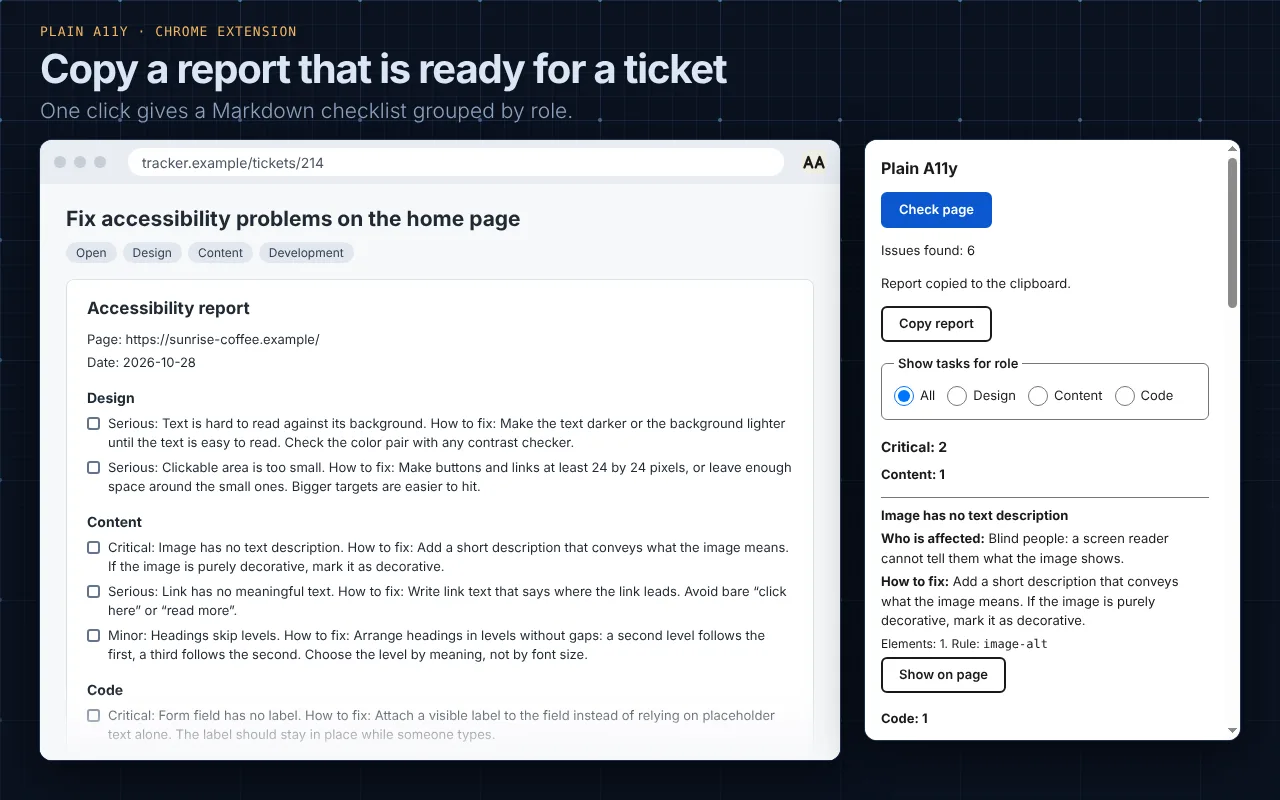
One click copies a Markdown checklist grouped by role, ready to paste into any tracker.
-
Unclear cases are not hidden
When the automated check cannot decide, the case goes into “Needs manual review” instead of a false “all clear”. It is not counted as an issue.
-
Optional AAA recommendations
A few stricter, AAA-level rules appear in a separate block at the bottom. You can hide the block, and the choice is remembered.
-
Private by design
The check runs locally in your browser. No servers, no accounts, no analytics, no network requests. Only three permissions.
-
Accessible itself
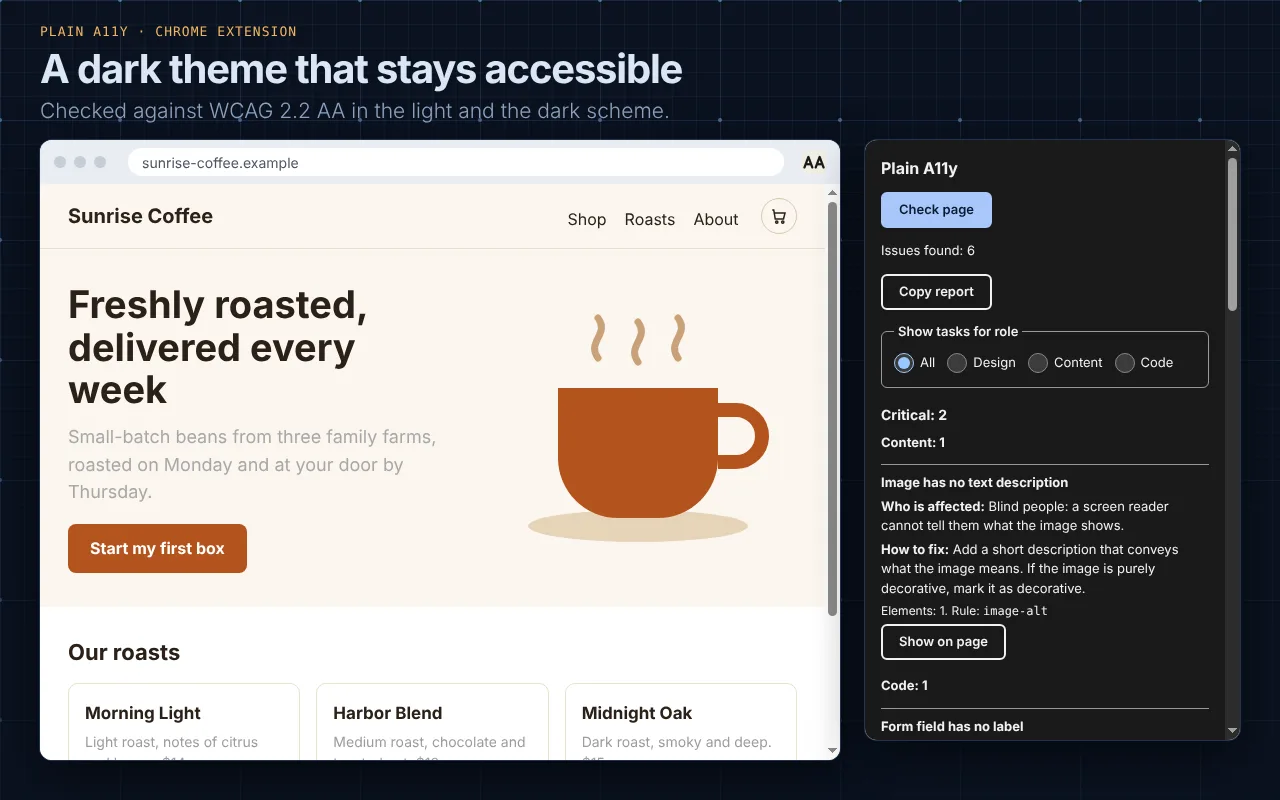
Full keyboard control, visible focus, enough contrast, large enough targets, a light and a dark theme, and text that scales.
How it works
-
Click “Check page”
Open the extension on any page. It asks for access only to the tab you are looking at.
-
axe-core does the checking
The open-source axe-core engine runs inside the tab. Plain A11y does not invent its own rules.
-
You read the result
Rule names become plain explanations, grouped by severity and role, with a button to see each problem on the page.
See it in action
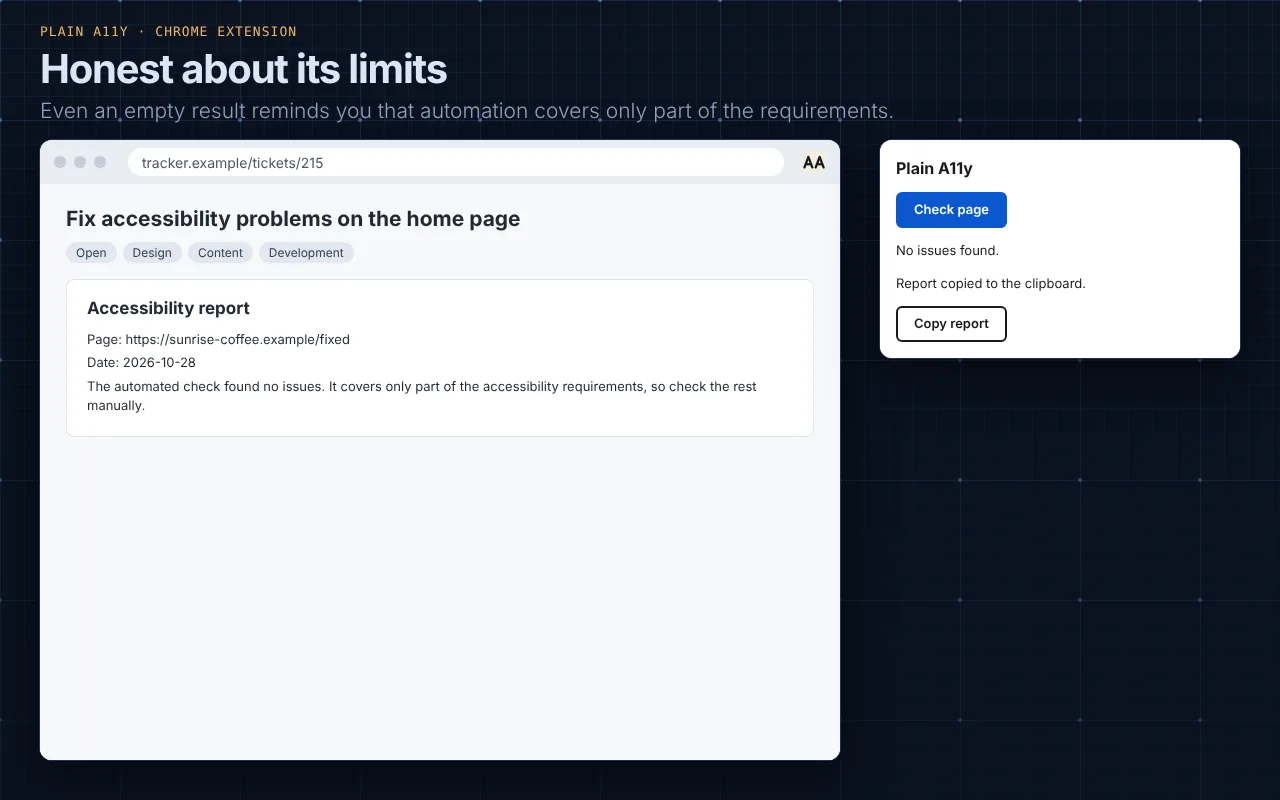
The screenshots show a fictional coffee shop page with deliberate problems. They are real screenshots of the extension, not mock-ups.
What it covers, and what it does not
Automated checking finds only part of the accessibility problems. An empty report does not mean that a page is accessible.
What it checks
- Every rule that axe-core 4.14 runs by default (90 rules).
- The minimum clickable size rule from WCAG 2.2 AA (
target-size). - Three stricter AAA rules, shown separately as optional recommendations.
- The open page, including open shadow DOM.
What it cannot judge
- Whether an image description is meaningful.
- Whether the tab order is logical or a form is easy to understand.
- The quality of captions, and the real experience with a screen reader.
- The content of iframes, which is not checked yet.
For that you still need a person with a keyboard and a screen reader. Plain A11y gives you a clear, shareable starting point, not a certificate.
Privacy and permissions
Plain A11y collects nothing and sends nothing. The page content and the result stay in your browser, and the only saved settings are your role filter and whether the AAA block is shown.
- activeTab
- Access to the current tab, only after you click the extension icon.
- scripting
- Runs the check, and the element highlight, inside that tab.
- storage
- Remembers your role filter and your AAA block choice locally.
No access to all sites, no remotely loaded code. Read the full privacy policy.
An accessibility tool has to be accessible
Any mistake here would cost more trust than in an ordinary extension, so the interface is checked automatically in every state, in both light and dark themes: empty, loading, results, no issues, error, manual review and the AAA block.
- Everything works from the keyboard, with a visible focus outline.
- Text contrast of at least 4.5:1, and clickable targets of at least 24×24 px.
- Results are announced to screen readers, and color is never the only carrier of meaning.
- Text sizes follow your browser settings, and motion respects your system preference.
Testing by a person with NVDA and VoiceOver is part of the release checklist. If you find something that is not accessible, please report it.
Install
The Chrome Web Store listing is coming soon. Until then you can install Plain A11y from source in a couple of minutes. You need Node.js and npm.
npm install
npm run build- Open
chrome://extensionsand turn on “Developer mode”. - Click “Load unpacked” and choose the
.output/chrome-mv3folder. - Open a page, click the Plain A11y icon and press “Check page”.
To check local files, turn on “Allow access to file URLs” in the extension settings.
Open source
Plain A11y is free and open source under the MIT License, copyright © 2026 Konstantin Beregovoy. Read the LICENSE.
It bundles axe-core (MPL-2.0) and React (MIT). Their notices are on the license page.
Built by Konstantin Beregovoy, a frontend engineer who works on accessibility and web standards. More projects at bereg.dev.
What is next
Planned, without dates:
- Check only a selected block of the page.
- Compare two checks: what was fixed and what appeared.
- A manual checklist for what automation cannot check.
- Checking the content of iframes, and a Firefox version.
Questions
Is it free?
Yes. There is no paid version and no account.
Does it send my page to a server?
No. The check runs in your browser, and the extension makes no network requests.
Does it replace an accessibility audit?
No. Automated tools find only part of the problems. Use Plain A11y to find and explain the common ones quickly, and test with people and assistive technology for the rest.
Which browsers and languages?
Chrome today, Firefox is planned. The interface and the explanations are in English for now.